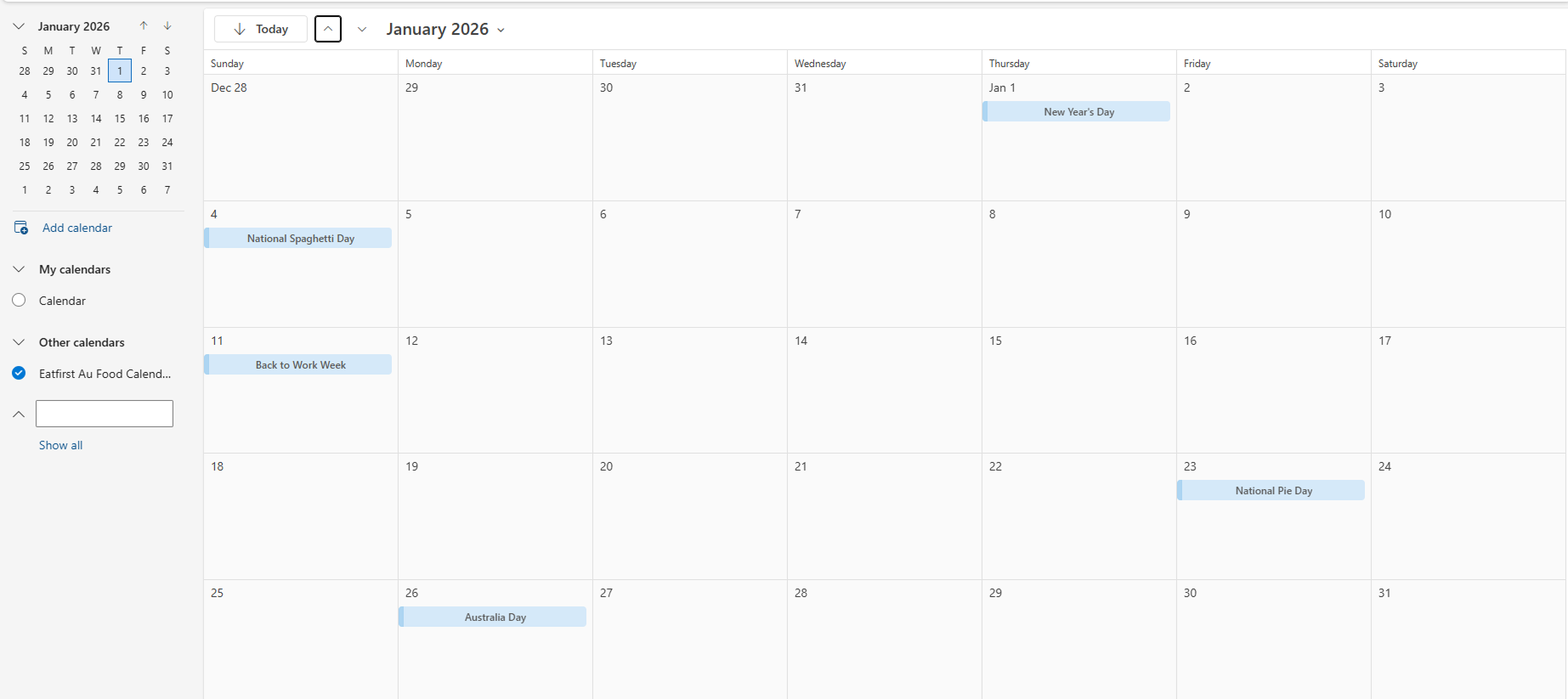
Add your EatFirst 2026 Food Calendar to your Microsoft Calendar
1
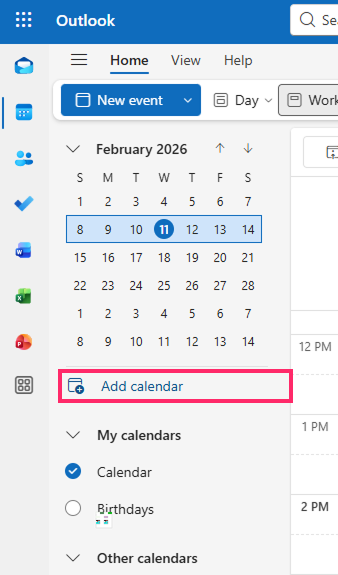
Open your Outlook calendar and select Add Calendar in the left hand menu
2
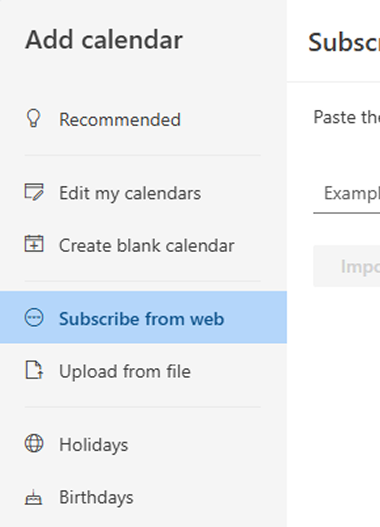
Select "Subscribe from web" option
3
Copy the calendar link given below.
https://calendar.google.com/calendar/ical/c_a7aa8a8b5d4d14137599cfa7b80148fec07a93b818cfea722218ad1cac3c5aef%40group.calendar.google.com/public/basic.ics


4
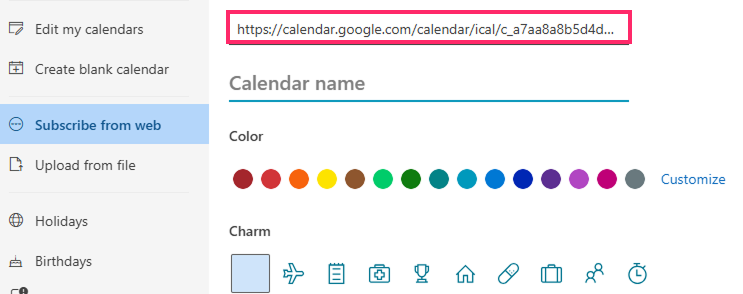
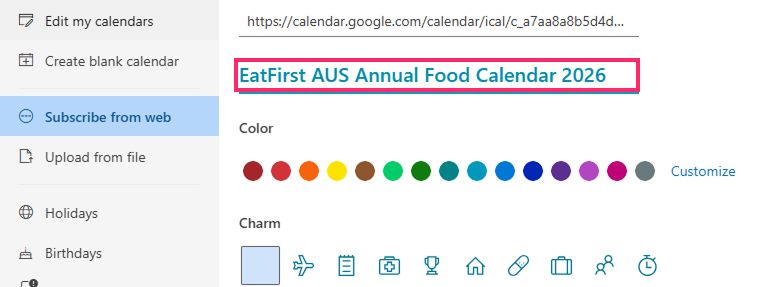
Paste the link you just copied.
5
Name the Calendar as "EatFirst AUS Annual Food Calendar 2026".
6
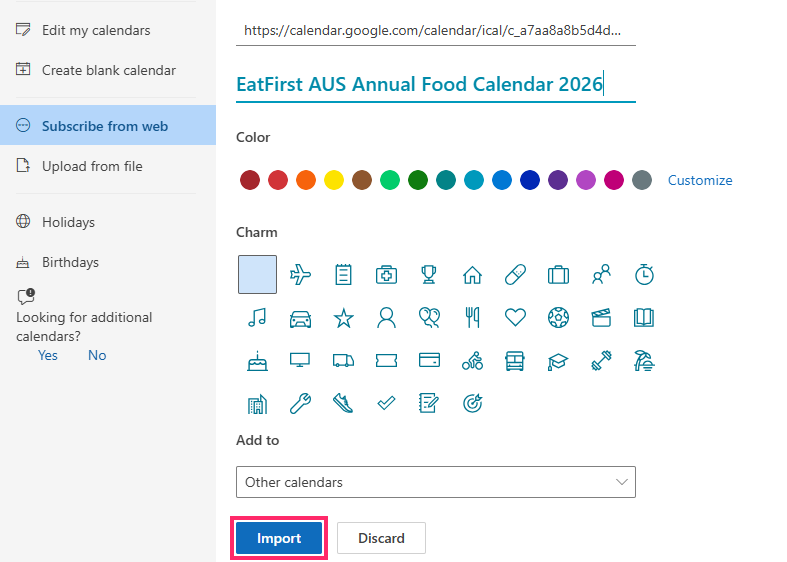
Click on Import
7
You’re all done - the events will now show up in your calendar.